Sound System
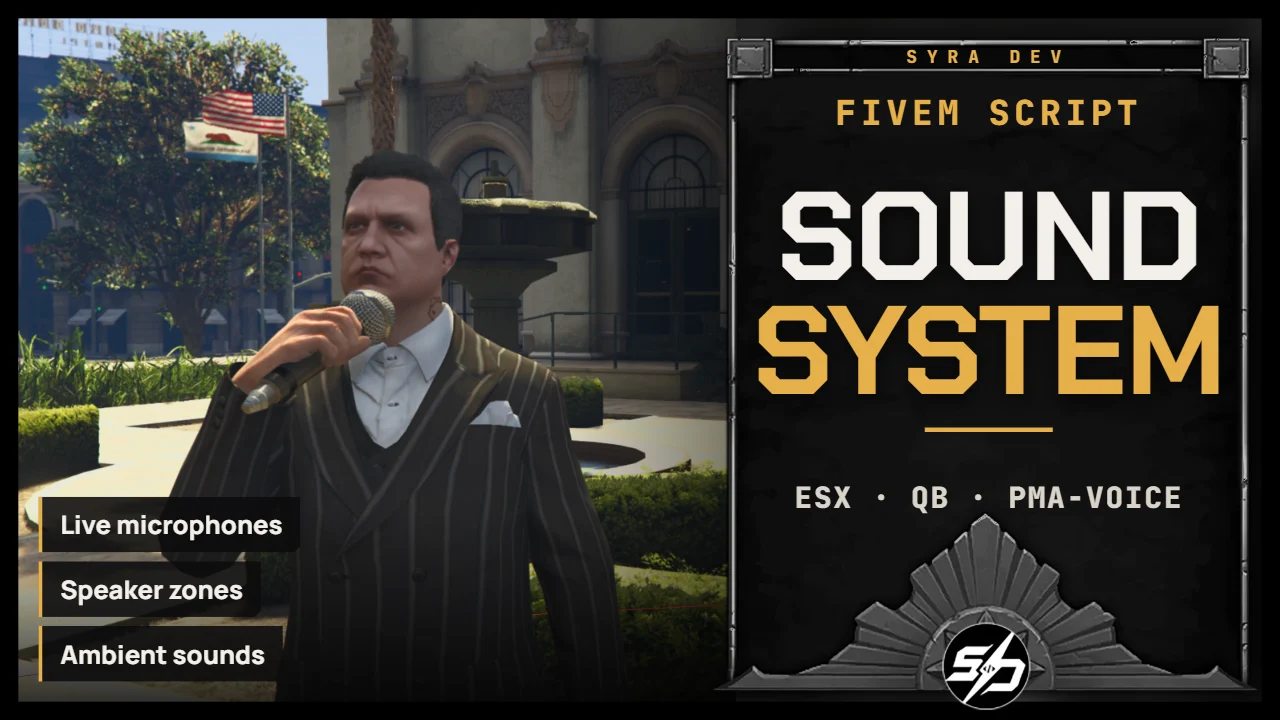
Syra_SoundSystem is a unified public-address and spatial audio system for FiveM, allowing players or staff to broadcast voice, text and sounds while also supporting amplified voice and ambient audio zones.
It is perfect for city halls, police stations, hospitals, prisons, events, arenas, schools, businesses or any location that needs immersive speaker announcements.
The system combines live voice routing, written announcements, local voice amplification, spatial ambience and global audio playback for a complete in-world sound experience.
Key Features
- 🎙️ Live microphone points: Speak from configured locations and broadcast to speaker zones.
- 📢 Speaker zone system: Define where players can hear each announcement.
- 🧾 Written announcements: Send clean NUI announcement banners to players.
- 🔊 Pre-recorded sound playback: Play configured audio files through the announcement system.
- 📡 Voice routing integration: Uses voice channels to deliver live broadcasts properly.
- 🎒 Item and payment checks: Restrict or monetize announcement access server-side.
- 🔐 Authorization controls: Configure who can use microphones and announcement features.
- ⚙️ Customizable broadcast points: Set labels, ranges, channels and behavior for each location.
- 📣 Voice amplification zones: Increase local player voice range inside configured areas.
- 🎧 Ambient sound zones: Play looping spatial sounds with distance-based volume and smooth fades.
- 🔊 Global sound commands: Let ACE-authorized staff play or stop server-wide audio.


Technical Information
-
Framework : ESX, QB
-
Code is accessible : No (Partially)
-
Subscription-based : No
-
Lines : 3200
-
Requirements : ox_lib, pma-voice, inventory, target optionnal
-
Support : Yes
-
Locales : EN, FR
Installation guide
Download the resource
After purchase, sign in to portal.cfx.re (Granted Assets) with the Cfx account linked to your Tebex order and download
Syra_SoundSystem.Add it to your resources
Extract the archive and place
Syra_SoundSystemin your serverresourcesfolder.Start order in server.cfg
ox_libandpma-voiceare declared dependencies and must start first:ensure ox_lib ensure pma-voice ensure ox_inventory # or your inventory ensure Syra_Notif # optional ensure Syra_SoundSystemGlobal audio permission
Allow administrators to use the global audio commands:
add_ace group.admin syra_soundsystem.audio allow
add_principal identifier.license:YOUR_LICENSE group.admin
Add your audio files
Put every audio file in
html/audio/(.mp3,.oggor.wav) and reference them inConfig.SoundsorConfig.AmbientSounds.Configure
Open
config.luaand setConfig.Framework(shipped as'esx'),Config.Inventory,Config.TargetandConfig.NotificationSystem. SetConfig.DebugZones = falsebefore going live.