Loading Screen
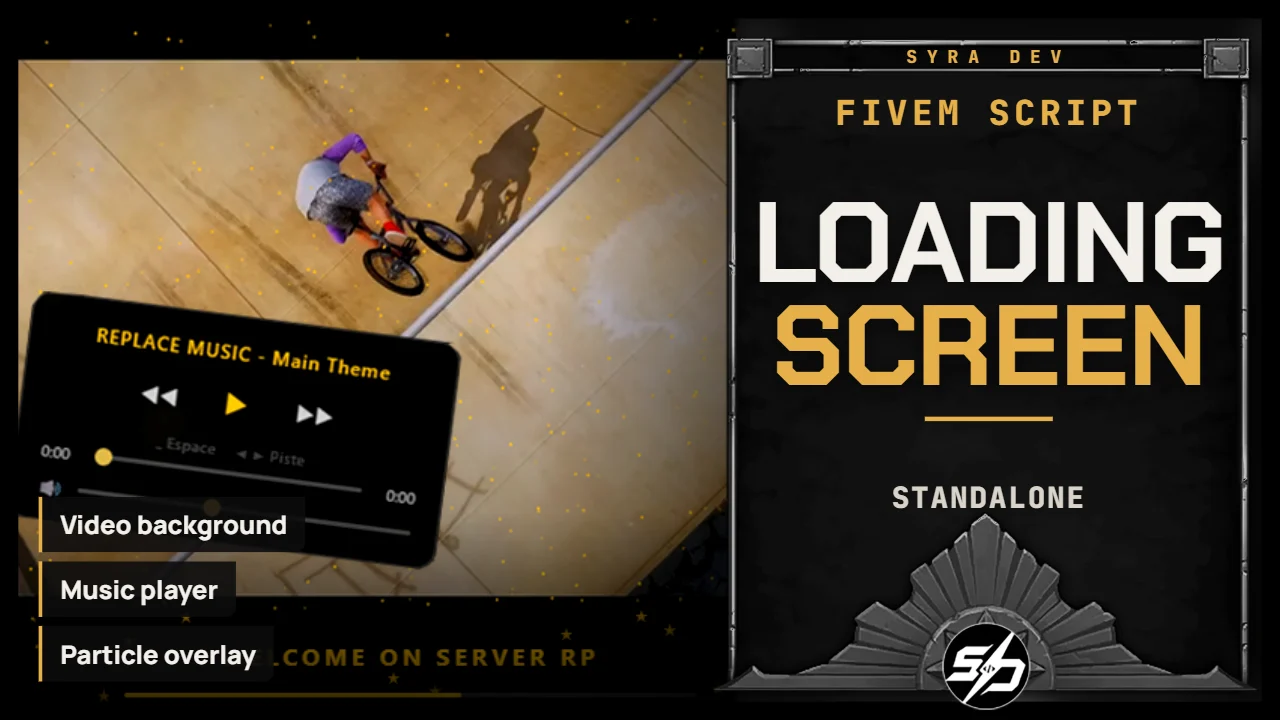
Syra_LoadingScreen - Custom FiveM Loading Screen
Syra_LoadingScreen is a fully customizable HTML/CSS/JS loading screen for FiveM, designed to give your server a polished first impression before players enter the game.
It supports image backgrounds, slideshows, local video backgrounds, YouTube backgrounds, background music, particles, server branding and a clean audio player.
The resource is made to work as a standalone loading screen, with recommended integration alongside Syra_Multichars for manual shutdown after character selection.
Key Features
-
🎬 Video background support: Use local `.webm` videos as a full-screen animated background.
-
🖼️ Image and slideshow mode: Display one image or cycle through multiple images with smooth transitions.
-
▶️ YouTube background option: Use a muted looping YouTube video as the loading screen background.
-
🎵 Background music system: Play local music tracks with autoplay, volume control and optional shuffle.
-
🎧 Built-in music player: Show or hide the audio player panel depending on your server style.
-
✨ Particle overlay: Add animated particles with configurable count, color, size, opacity, shape and movement.
-
🖱️ Custom cursor: Enable a custom loading screen cursor with configurable image and size.
-
🏷️ Server branding: Display server name, optional logo, loading text and accent color.
-
📊 Loading bar: Optional progress bar with configurable accent color.
-
⚙️ Easy configuration: All major visuals and behavior are managed from `config.js`.
Technical Information
-
Framework : Standalone
-
Code is accessible : No (Partially)
-
Subscription-based : No
-
Lines : 3600
-
Requirements : None
-
Support : Yes
- Locales : EN
Installation guide
Download the resource
After purchase, sign in to portal.cfx.re (Granted Assets) with the Cfx account linked to your Tebex order and download
Syra_LoadingScreen.Add it to your resources
Extract the archive and place
Syra_LoadingScreenin your serverresourcesfolder.Start it first
Add it as the first resource in
server.cfg, before any other Syra resource:ensure Syra_LoadingScreenAdd your media
Backgrounds go in
images/(.jpg .jpeg .png .gif .webp), music inmusic/(.mp3 .ogg .wav), videos invideos/(.mp4 .webm .ogg). The wildcard patterns infxmanifest.luaalready cover these formats.Configure
Edit
config.js:Locale('fr' or 'en'),ui.serverName,ui.loadingText,ui.colorsandui.fonts. Colors accept any CSS color; fonts accept a CSSfont-familywith a fallback.