Chest Item System
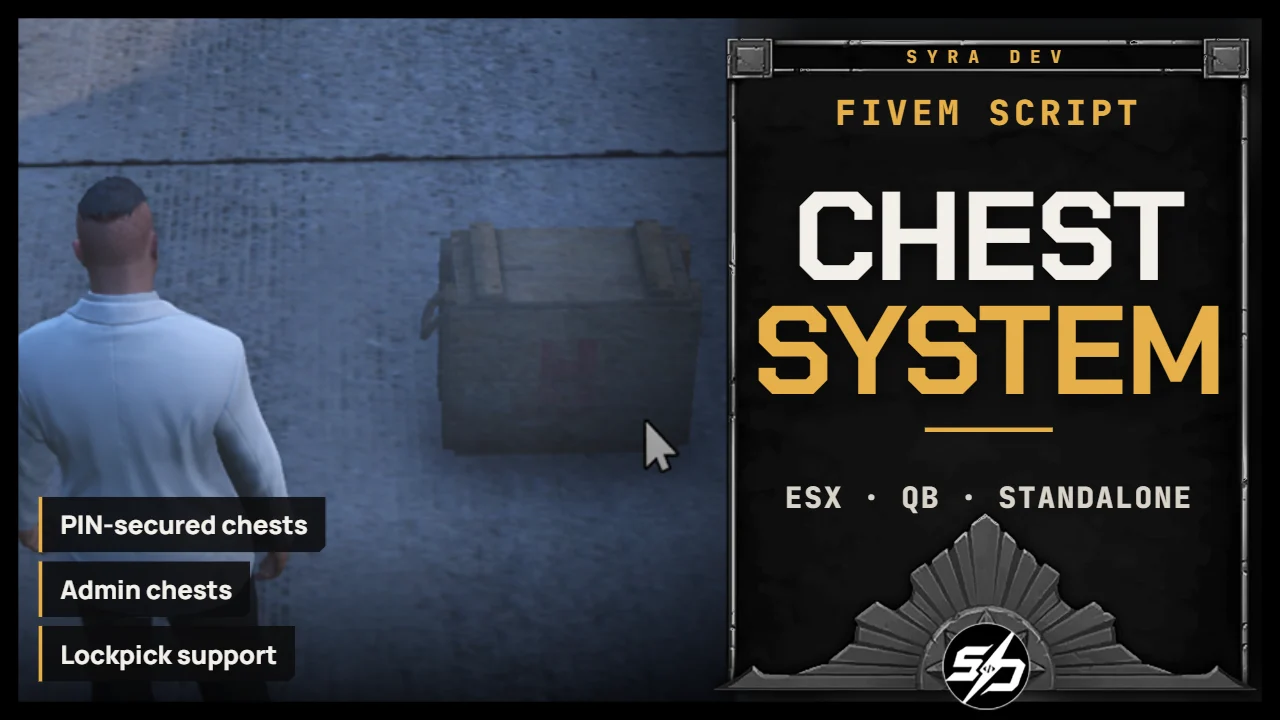
Syra_Chest - Advanced Chest System
Syra_Chest is a complete chest and storage system for FiveM, built for servers that need secure, placeable and staff-managed storage points.
Players can use physical chests with PIN protection, while staff can create and manage persistent admin chests directly in game.
The system is made for roleplay environments where storage needs to be controlled, logged and easy to manage without creating every stash manually.
Key Features
-
📦 Placeable chests: Allow players to place storage containers in the world.
-
🔐 PIN-secured storage: Protect chests with a code-based access system.
-
🛠️ Admin chest creation: Staff can create and manage permanent chests with dedicated commands.
-
🧰 Inventory-based storage: Chests are connected to inventory stashes for real item persistence.
-
🗝️ Lockpick support: Optional lockpick access can be enabled for roleplay or illegal gameplay.
-
📜 Discord logging: Track important chest actions through webhook logs.
-
⚙️ Configurable permissions: Control staff access through configured principals.
-
🗃️ Database persistence: Chest data is saved through SQL tables for reliable restarts.
Technical Information
- Framework : ESX, QB, Standalone
- Code is accessible : No (Partially)
- Subscription-based : No
- Lines : 3100
- Requirements : ox_lib, oxmysql, inventory, target optional, lockpick optional
- Support : Yes
- Locales : EN, FR
Installation guide
Download the resource
After purchase, sign in to portal.cfx.re (Granted Assets) with the Cfx account linked to your Tebex order and download
Syra_Chest.Add it to your resources
Extract the archive and place
Syra_Chestin your serverresourcesfolder.Import the SQL
Import
sql/coffres.sql(player chests) andsql/admin_coffres.sql(admin chests). The server also runs oxmysql migrations for admin chest columns.sql/views.sqlonly adds optional read views.Create the chest items
Every key of
Config.Chestsmust exist as an item in your inventory:smallchest,averagechest,bigchest,smallchestsecure,averagechestsecureandbigchestsecurein the shipped config.Start order in server.cfg
Start the selected inventory before Syra_Chest:
ensure oxmysql
ensure ox_lib
ensure ox_inventory # or your inventory
ensure Syra_Notif # optional
ensure Syra_Chest
Admin access
/createboxstarts admin chest placement and/manageboxopens the management UI. Permission isConfig.AdminPrincipal(group.adminby default):add_principal identifier.steam:XXXX group.adminDiscord logging
Config.Discordis enabled in the shipped config with placeholder values. Fill in your bot token and the two channel IDs (placementanditems), or setenabled = false. The bot needs Send Messages and Embed Links permissions.