Character Creator Pack
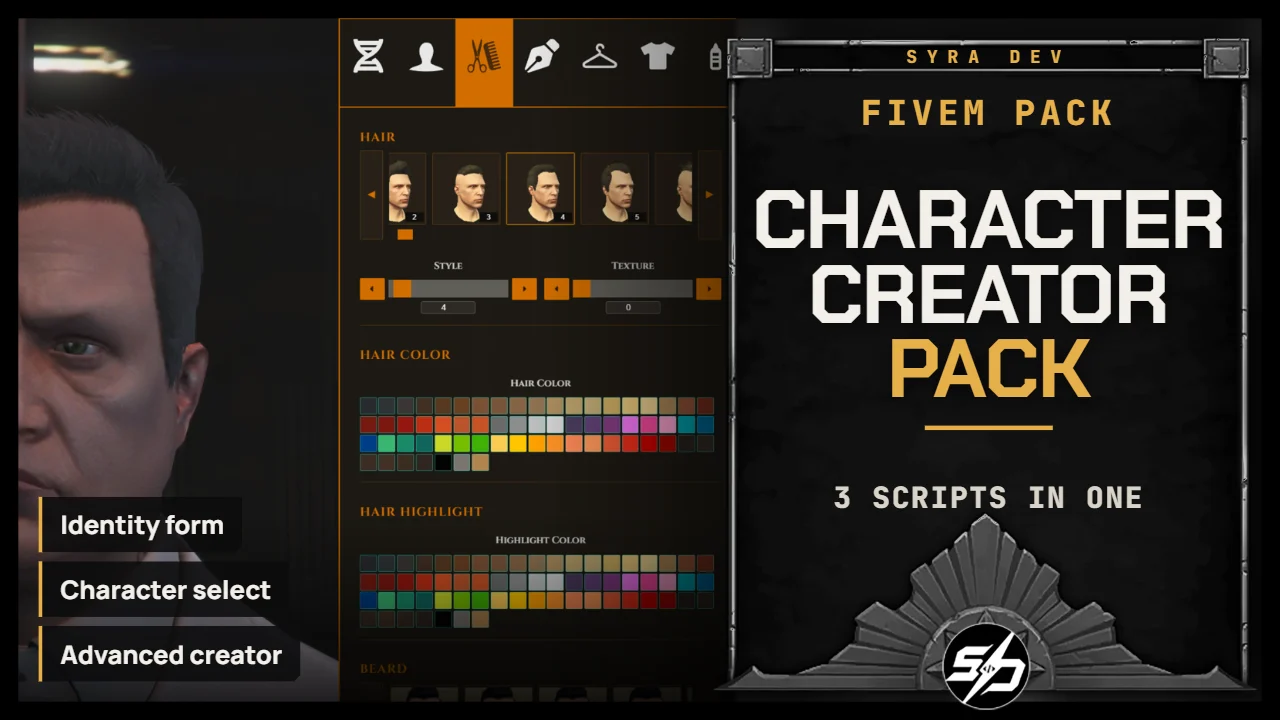
Character Creator Pack : Identity, Multicharacters and Character Creator
This brings together the full character creation flow in one complete package: identity registration, multi-character selection and advanced character creation.
It is designed for servers that want a clean first-join experience from start to finish. Players register their identity, select or create a new character, then customize their full appearance through a polished NUI creator.
The pack replaces the classic identity and multicharacter flow with a modern Syra interface while keeping strong configuration options and integration hooks for custom server setups.
Included Scripts
-
🪪 Syra_Identity: Modern identity registration form with configurable fields, passion system, origin selector and custom flow hooks.
-
👥 Syra_Multichars: Multi-character selector with character preview, slot management, starter items, starter money and relog support.
-
🧬 Syra_CharacterCreator: Complete character creator with parents, face, hair, clothes, makeup, tattoos, plastic surgery and cinematic options.
Key Features
-
🚀 Complete first-join flow: Identity registration, character slot selection and character creation work together as one coherent system.
-
🪪 Modern identity UI: Replace basic identity registration with a clean NUI form.
-
👤 Multi-character selection: Let players create, select and manage multiple characters.
-
🎟️ Configurable character slots: Set default slots, privileged slots and group-based slot amounts.
-
🎁 Starter setup: Configure starter items and starter money for new characters.
-
🧬 Advanced character creation: Full appearance customization with face, hair, clothes, makeup and tattoos.
-
🏥 Plastic surgery support: Optional surgery flow for players who need to edit their appearance later.
-
🎬 Post-creation cinematic: Optional video, music, fade and animation sequence after character creation.
-
🎛️ Highly configurable: UI colors, fonts, locales, spawn positions, categories, permissions and behavior can be adjusted.
Technical Information
-
Framework : ESX, QB, Standalone
-
Code is accessible : No (Partially)
-
Subscription-based : No
-
Lines : 12500
-
Requirements : oxmysql, Syra_Identity, Syra_Multichars, Syra_CharacterCreator
-
Support : Yes
-
Locales : EN, FR
Installation guide
Download the resource
After purchase, sign in to portal.cfx.re (Granted Assets) with the Cfx account linked to your Tebex order and download
Syra_Identity,Syra_CharacterCreator,Syra_Multichars.Add it to your resources
Extract the archive and place
Syra_Identity,Syra_CharacterCreator,Syra_Multicharsin your serverresourcesfolder. Keep the folder name unchanged: other resources and item exports call it by name.Disable the default resources
Remove
esx_identityandesx_multicharacterfromserver.cfg. Do not startesx_skineither, or two creation menus can open (see the Character Creator guide).Import the SQL
Import the file matching your framework from each folder:
-- ESX
source Syra_Identity/sql_esx.sql
source Syra_CharacterCreator/sql_esx.sql
source Syra_Multichars/sql_esx.sql

-- QBCore
source Syra_Identity/sql_qb.sql
source Syra_CharacterCreator/sql_qb.sql
source Syra_Multichars/sql_qb.sql
Start order in server.cfg
ensure oxmysql
ensure es_extended # or qb-core
ensure skinchanger
ensure Syra_Identity
ensure Syra_CharacterCreator
ensure Syra_Multichars
Link the flow
Keep
IdentityConfig.Multichars = trueinSyra_Identity/config.luaso Syra_Multichars continues after registration, andConfig.UseCustomSkinCreator = trueinSyra_Multichars/config.luaso it opens Syra_CharacterCreator when detected.